How do I check the version of EasyRoutes Delivery Driver?
When reporting issues with EasyRoutes Delivery Driver it can be extremely useful to check which version of the mobile app you're using when contacting support. You can check for updates as well by visiting the App Store for iOS or Google Play for Android.
You can find the version number in two places:
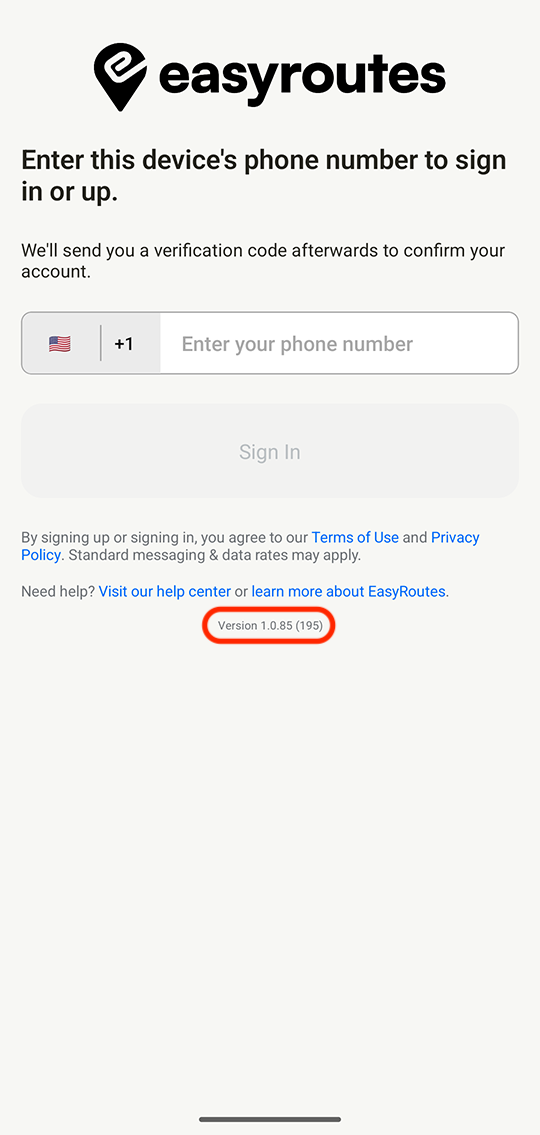
When signed out of the app it's visible at the bottom of the sign in screen:
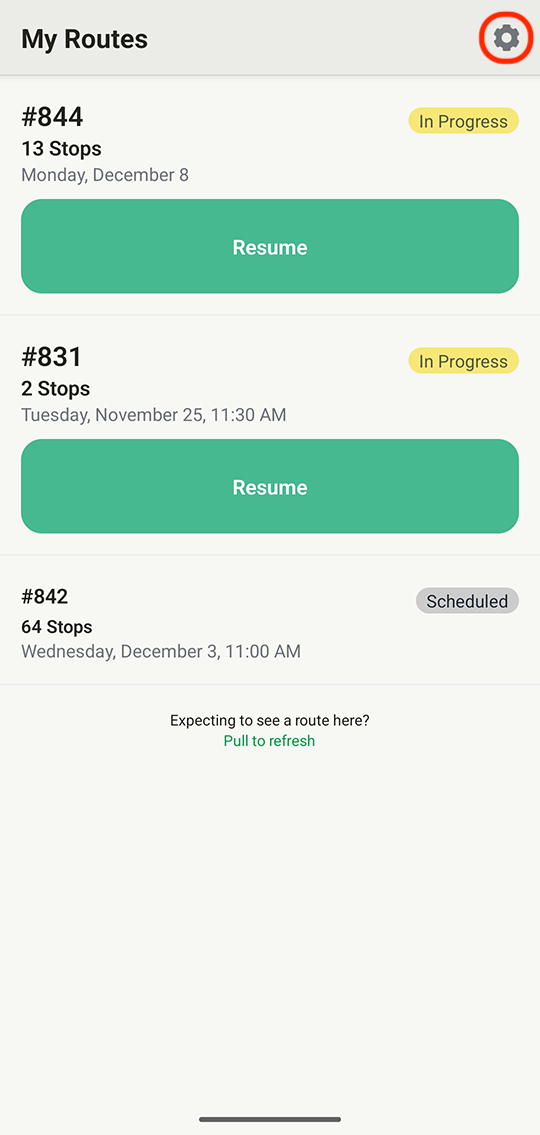
When signed into the app you can find it by accessing the settings page:
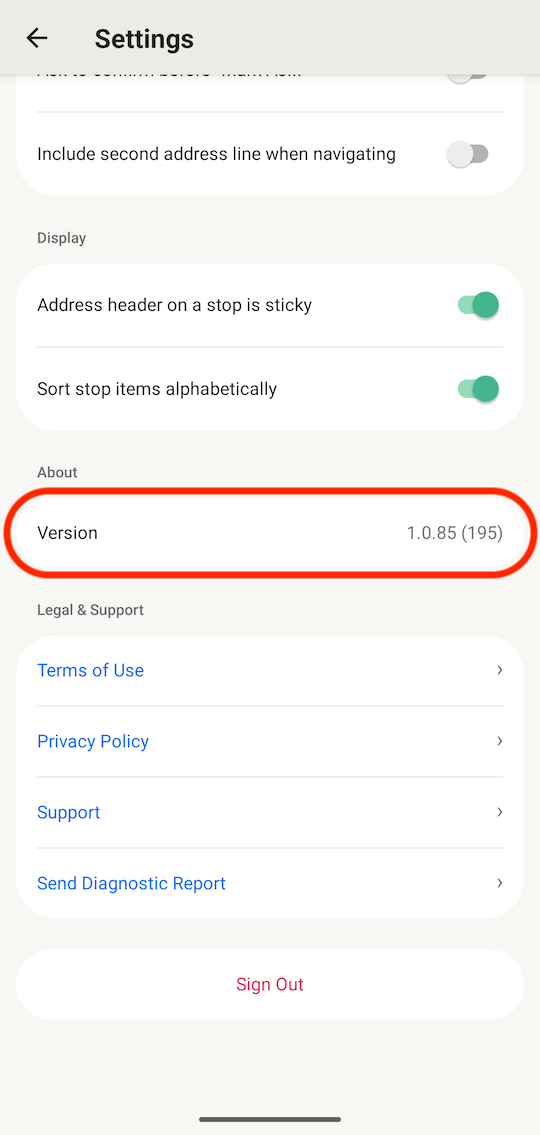
Your current version of the app will be listed towards the bottom of the page: