
Delivery Location Tracking
On Premium plans you are able to view the GPS location of deliveries made by your drivers, as well as any proximity warnings displayed to drivers when their GPS location does not match a stop's configured location.
💡 Looking for how to track the real-time location of your drivers? Read more about our Real-Time Location Tracking feature instead.
From the Proof column in a route, click the pin icon indicating a GPS location has been saved:

The GPS location that was recorded when the stop was delivered will pop up. Clicking on it will bring you to that location on Google Maps:

If there were errors recording the location (e.g., driver refused the permission or was unable to determine the location) they will also show up here.
For drivers using version 1.0.86 and above of the mobile app, any proximity warnings will also be included here, along with the estimated distance between a stop's geolocation and a driver's GPS position:
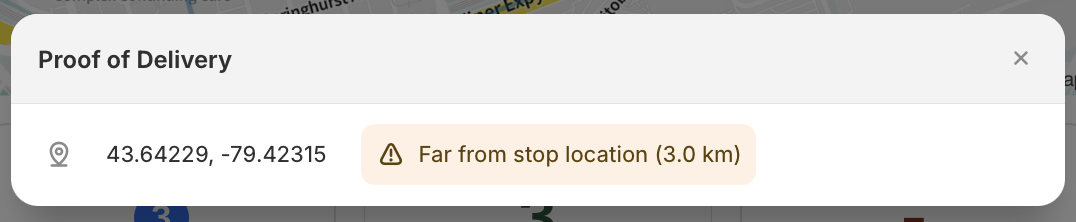
Proximity warnings will be triggered if the driver's GPS location is 1km or more away from the current stop.