
Miles: EasyRoutes' AI Assistant
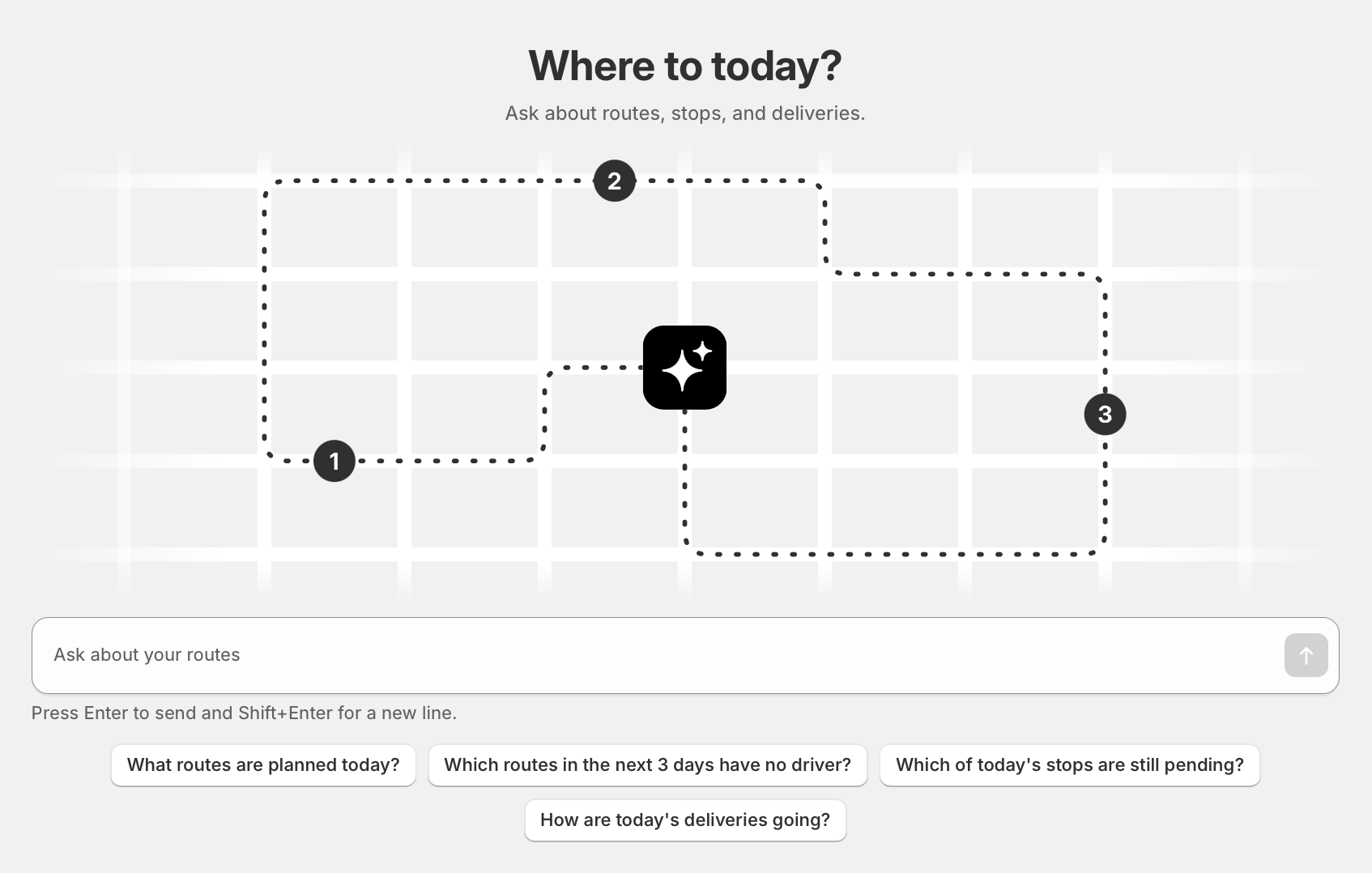
Miles is the AI assistant built directly into EasyRoutes. Ask it about your routes, stops and drivers in plain English, and it answers from your delivery records: "What routes are planned today?" or "What failed yesterday, and why?" Miles can also draft dispatch briefings, customer updates and delivery summaries from what your routes show.
Miles is read-only for now. It looks things up and writes drafts, and it doesn't change anything in your account.
Who can use Miles
- Premium and Enterprise plans: Miles is included, at no extra cost, on EasyRoutes for Shopify and EasyRoutes for Web.
- Free and Standard plans: the Miles page shows what Miles does, with an Upgrade to Premium button that opens your plan options.
- Free trials: click Request access on the Miles page. It opens a chat with our team with your request filled in.
Open Miles
- Open EasyRoutes, in your Shopify admin or from EasyRoutes for Web.
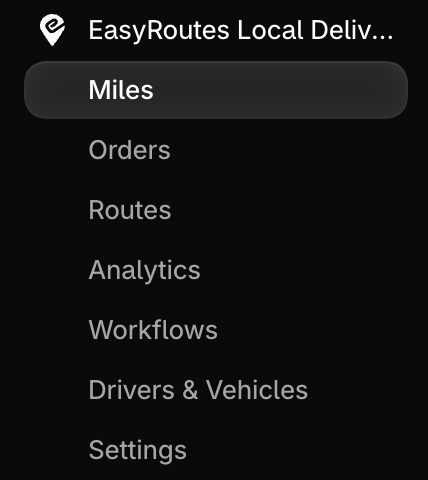
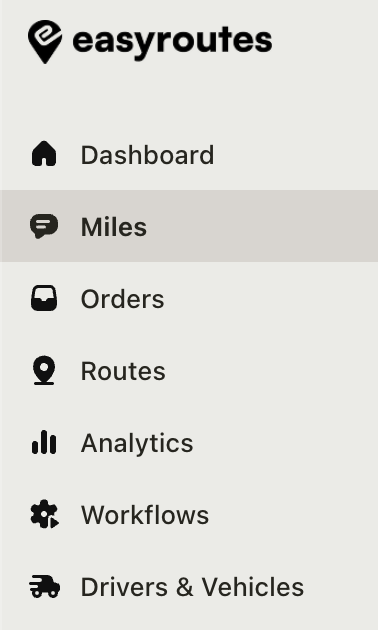
- Select Miles from the top of the sidebar navigation menu, just above Orders:
|
EasyRoutes for Shopify: |
EasyRoutes for Web: |
|
|
|
- Pick one of the suggested questions under the question box, or type your own and press Enter. Use Shift + Enter to add a new line.
What Miles can answer
- What's planned: routes for a day, with each driver, number of stops and start time.
- Routes that need a driver: "Which routes in the next 3 days have no driver?"
- How the day is going: which stops are still pending, and how many are delivered or attempted.
- Where an order is: find a stop by customer name, company, address, order number, phone or email, and see its route, status and ETA. The order needs to be on a route.
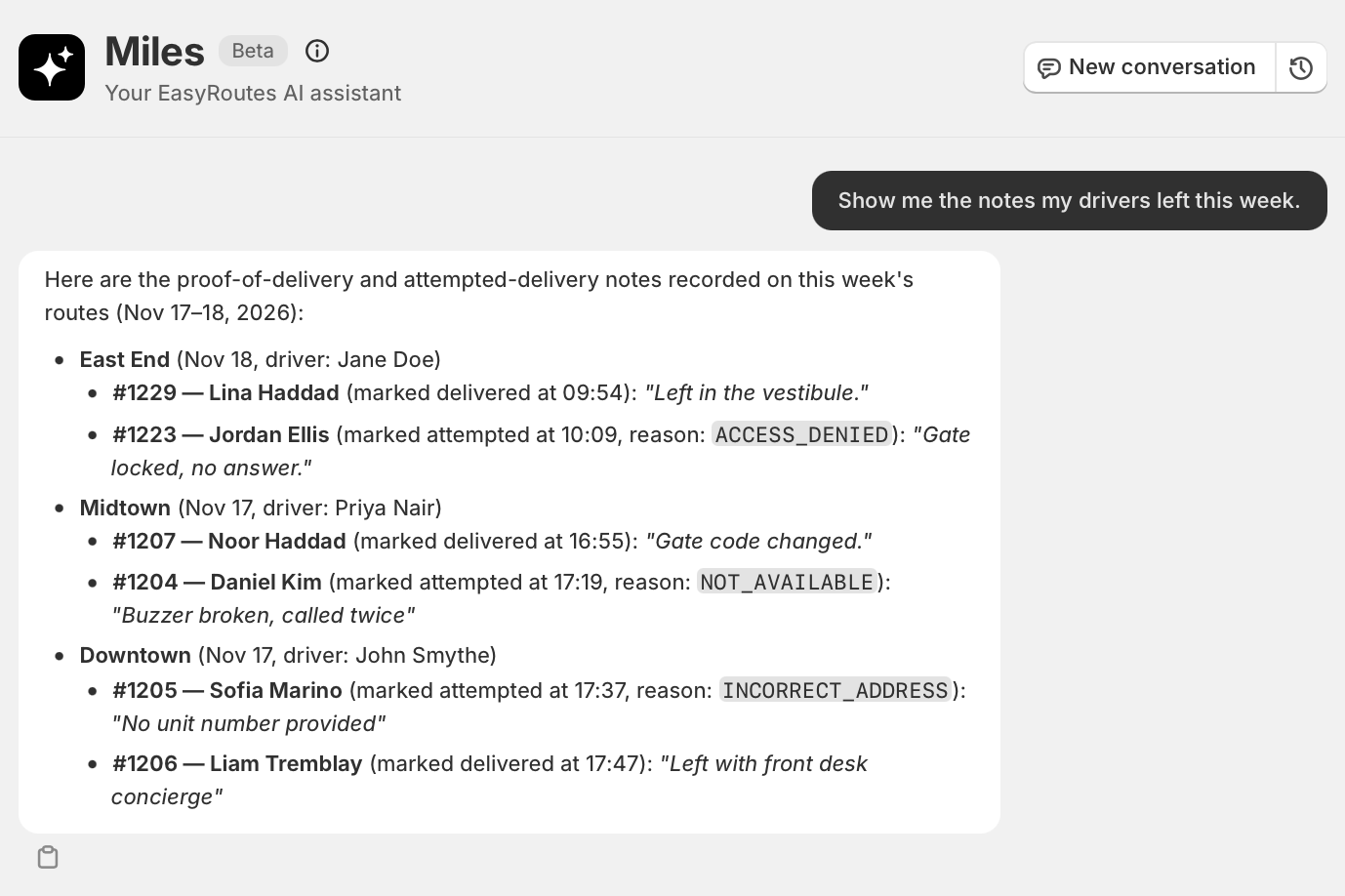
- What went wrong: the reason and note a driver recorded at an attempted stop.
- Proof of delivery: whether a stop has a photo or signature recorded.
- Stop details: contact details, items, and stop, order and customer notes.
- Drivers: a driver's phone number, and whether they're active, inactive or archived on your team.
What Miles can write
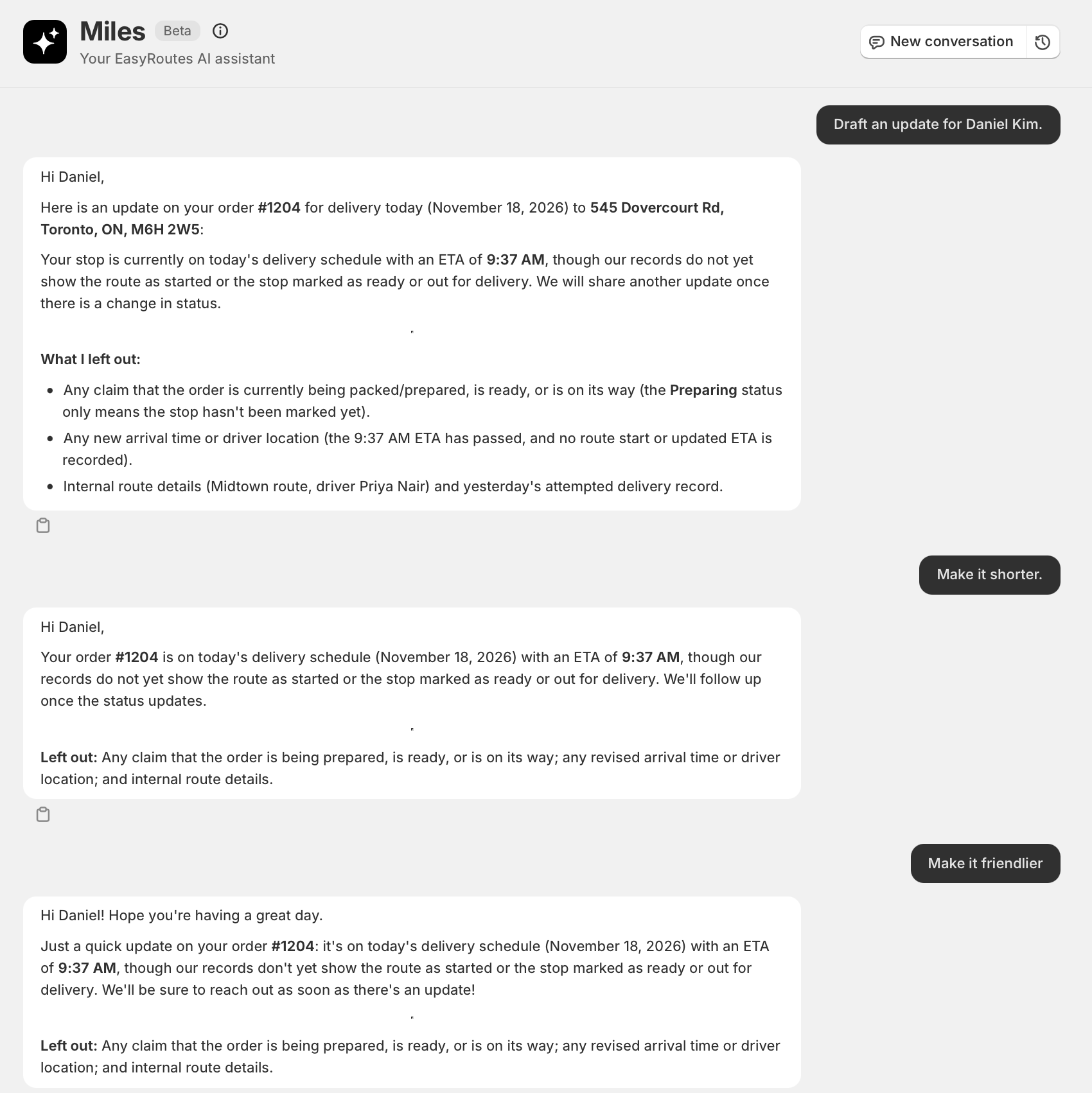
Ask Miles to write from your routes, and it drafts the text for you to copy and send:
- Dispatch briefings: what's going out, who's driving and what needs a look.
- Customer updates: a message a customer can read on its own.
- Delivery summaries: the delivery day or week so far, route by route, counted from stop statuses.
Miles includes only what your records show, and tells you what it left out. It can shorten, reword or translate a draft it wrote. Use the copy button (clipboard icon) under any answer to copy it to your device's clipboard. Miles doesn't send anything directly, or write back to your account.
Miles is AI, and it can make mistakes. Check important details in EasyRoutes before you act on them.
Tips for better answers
- Name the day or dates. When Miles searches for a stop, it looks a week either side of today. For anything older, tell it the dates.
- Use route names. Miles refers to routes by name, not ID, and shows times in your shop's timezone.
- Ask a follow-up. Answers are kept short, so ask for more detail when you need it.
- Keep messages under 4,000 characters.
Conversation history

From the upper right-hand corner of any existing conversation, or the Miles homepage, click New conversation to start fresh. Your past conversations are in the history menu (clock icon) beside it, grouped by Today, Yesterday, Previous 7 days and Older.
On EasyRoutes for Shopify, all users who have access to your EasyRoutes account will also be able to view past conversations with Miles; on EasyRoutes for Web, history is saved for each user who signs in, so other members of your organization logging in with a different email address will not have access to your chat history. Conversations can't currently be deleted.
FAQs
Does Miles cost extra?
No. Miles is included with Premium and Enterprise plans.
Is my store's data used to train AI models?
No. Your store's data isn't used to train AI models.
I don't see Miles in my menu
Miles appears for every plan, with Free and Standard plans seeing the upgrade screen. If it's missing, refresh EasyRoutes, then contact our support team.
Is Miles the same as the EasyRoutes MCP server?
Miles is built into EasyRoutes and needs no setup. The EasyRoutes MCP server connects an assistant you already use, like Claude or Cursor, to your account with your API keys, and can set up, optimize and dispatch routes with your approval.
What will Miles do next?
Planning routes, dispatching drivers and handling exceptions are all coming. If you have ideas for where Miles would be most useful to your operations, reach out to our team and let us know.
Learn more
- Miles: what Miles answers and writes, with examples
- Meet Miles: Your EasyRoutes AI Assistant: why we built Miles and where it goes next